Your month at a glance.
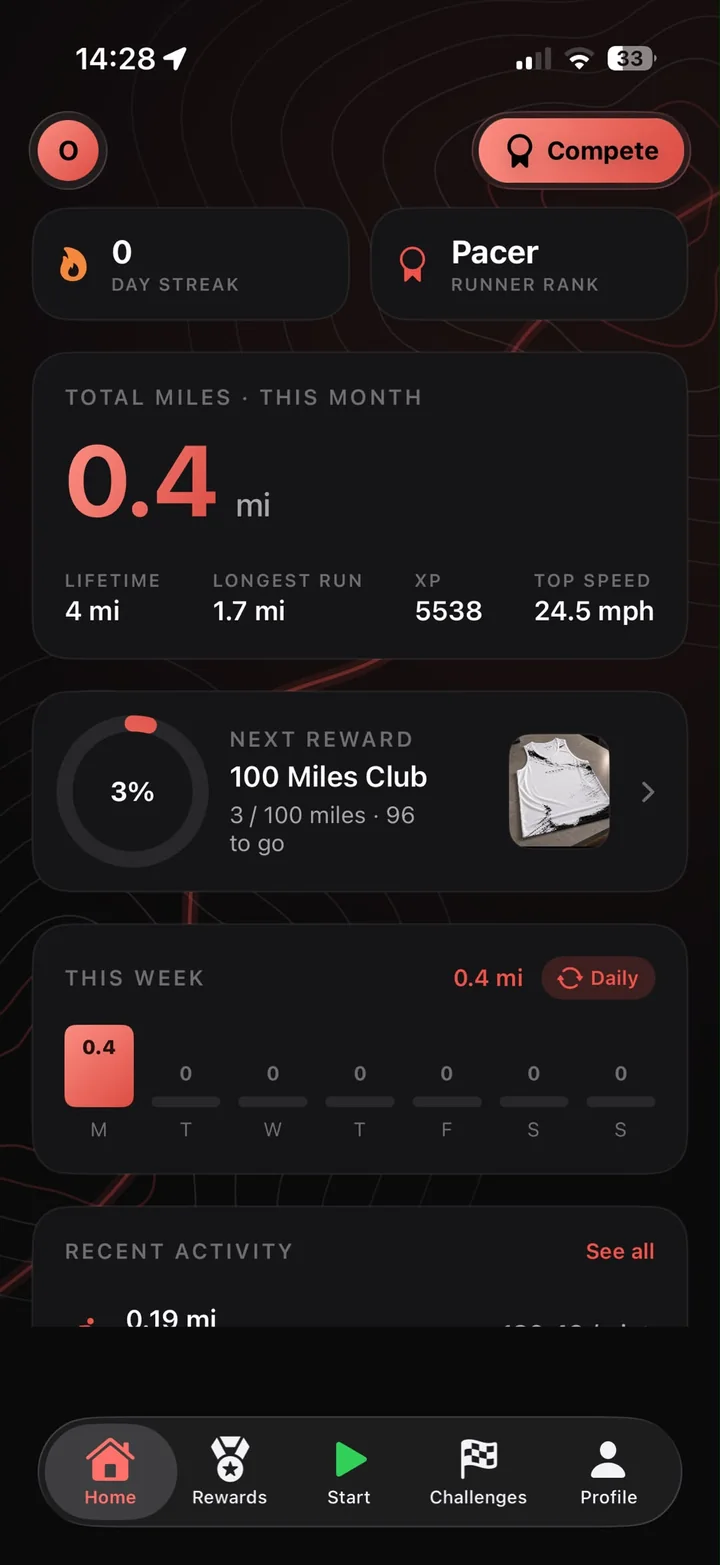
Monthly miles front and centre, with your streak, Runner Rank, lifetime miles, longest run, XP and top speed right underneath.
- A week chart showing every mile you ran
- Your next reward and exactly how far away it is

The running app that turns your miles into XP, rank and gear you can only get by running for it.
Record every run with GPS on your iPhone or straight from your Apple Watch.
Every mile builds XP. Keep your streak alive and climb the Runner Ranks.
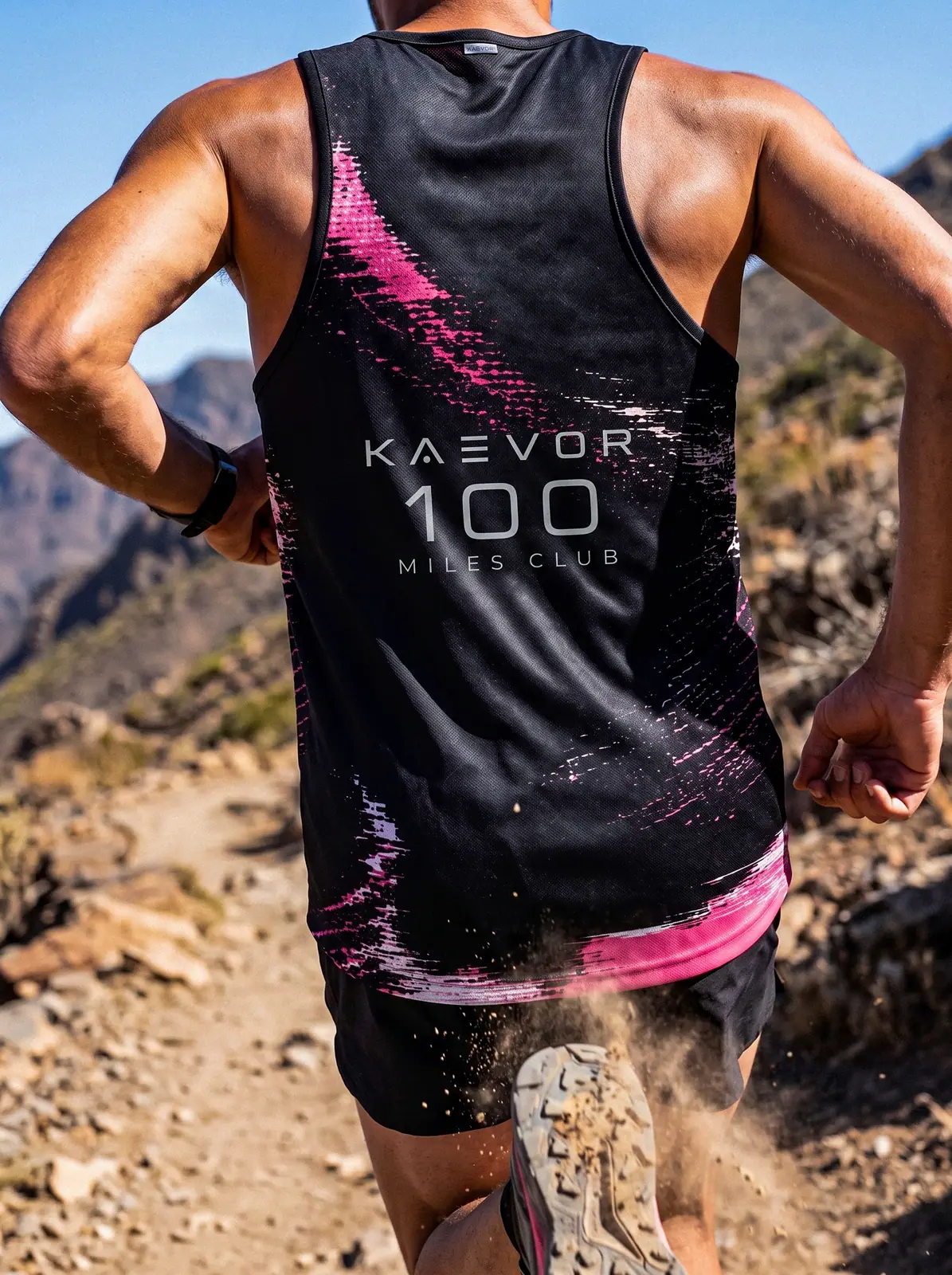
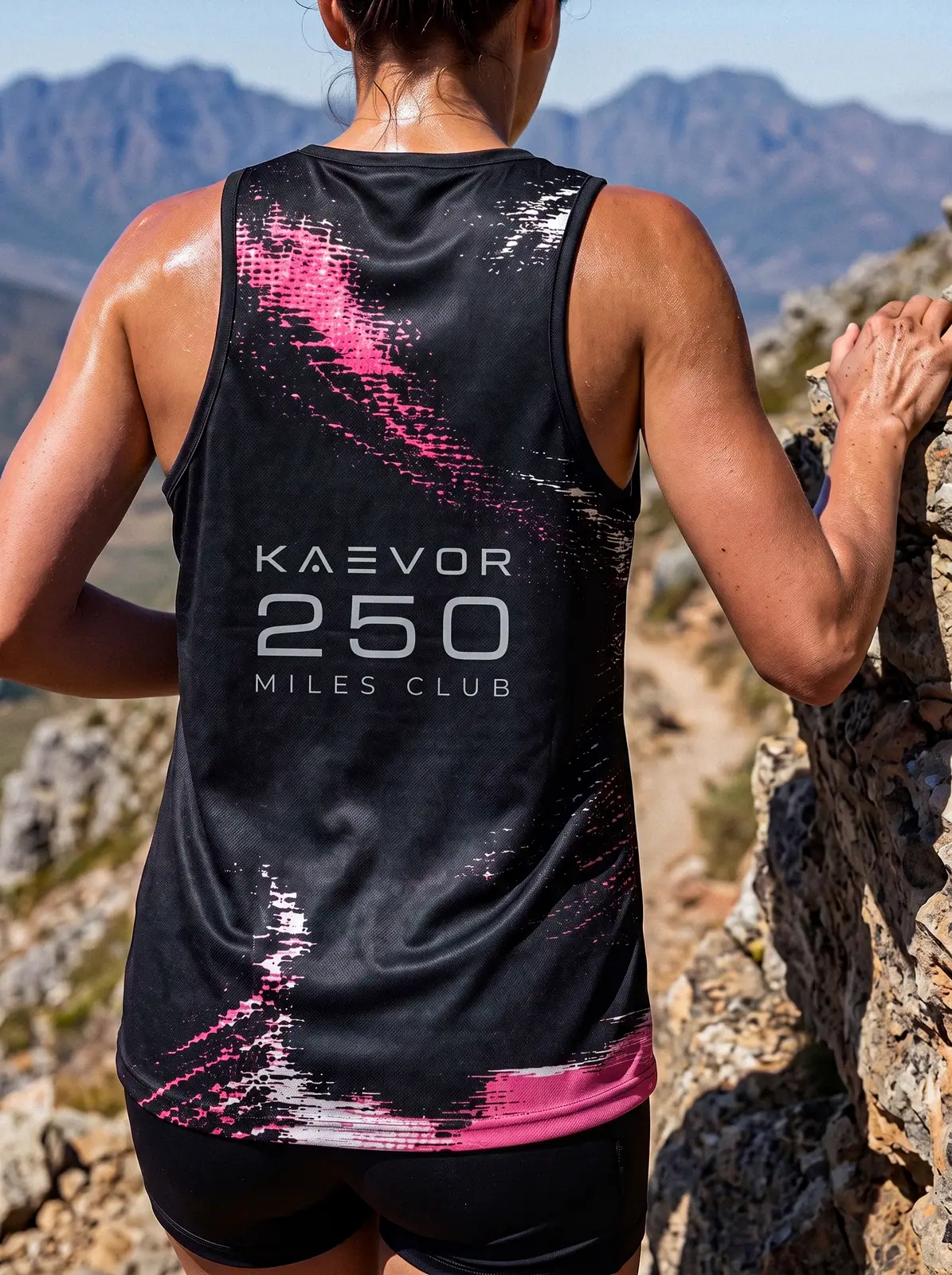
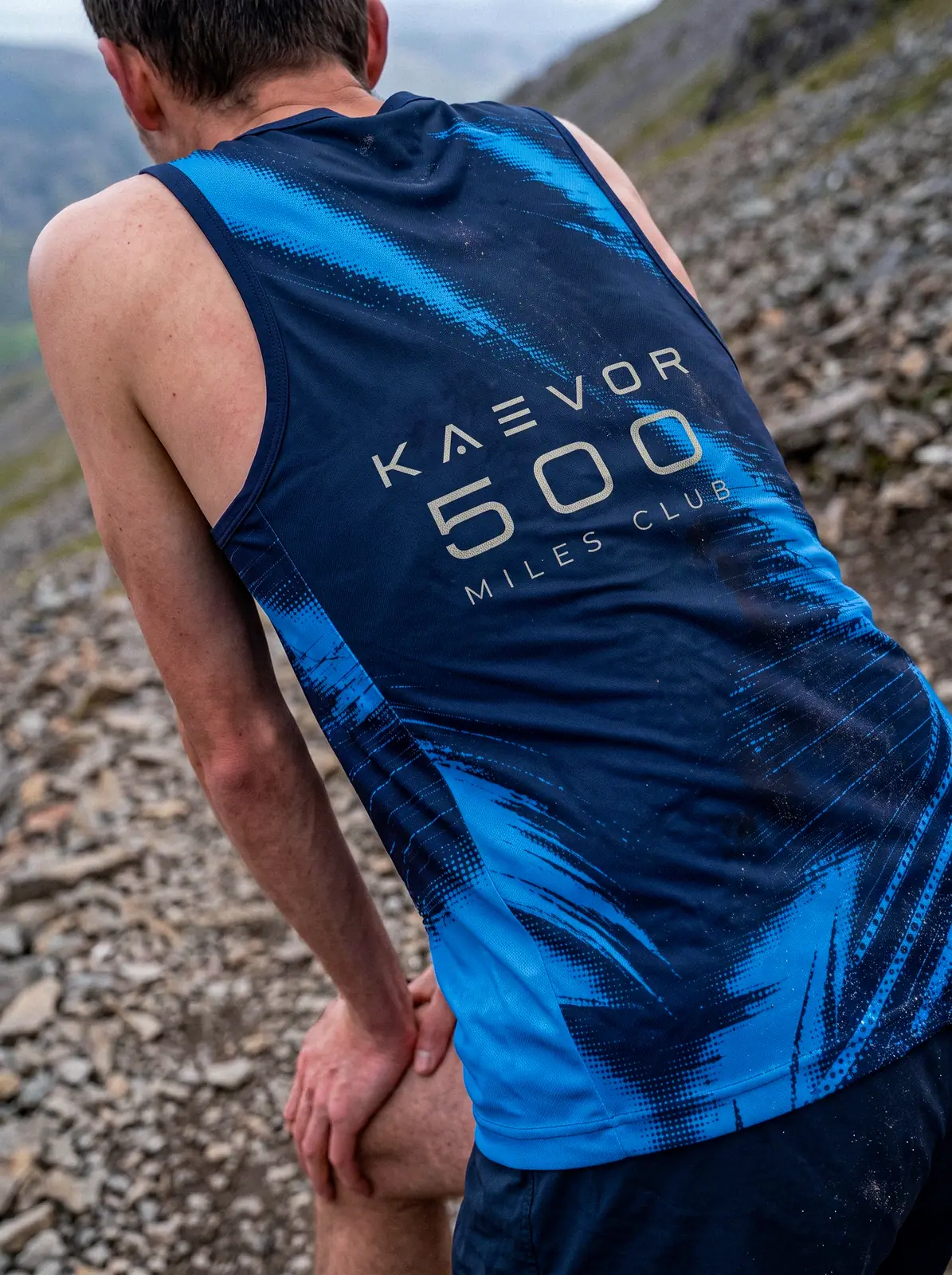
Hit a milestone and its Miles Club gear is yours to claim. Nobody can buy it without running for it.
Most apps tell you how far you ran. Kaevor gives you a reason to go again. Every mile earns XP, every streak moves your rank, and every milestone unlocks gear you can only get by running for it.
Monthly miles front and centre, with your streak, Runner Rank, lifetime miles, longest run, XP and top speed right underneath.
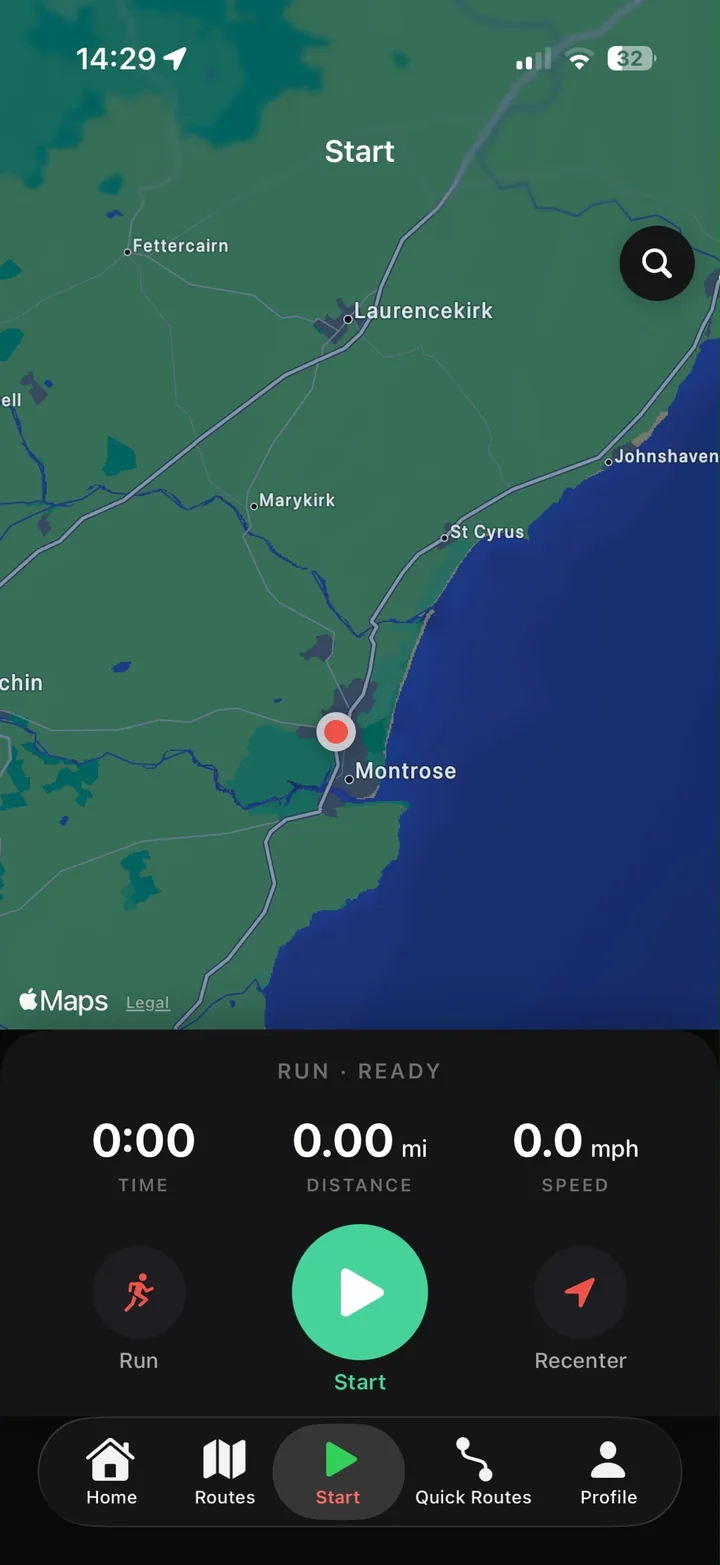
Live time, distance and speed over a full map. Tracking carries on in the background with your screen locked and your phone in your pocket.
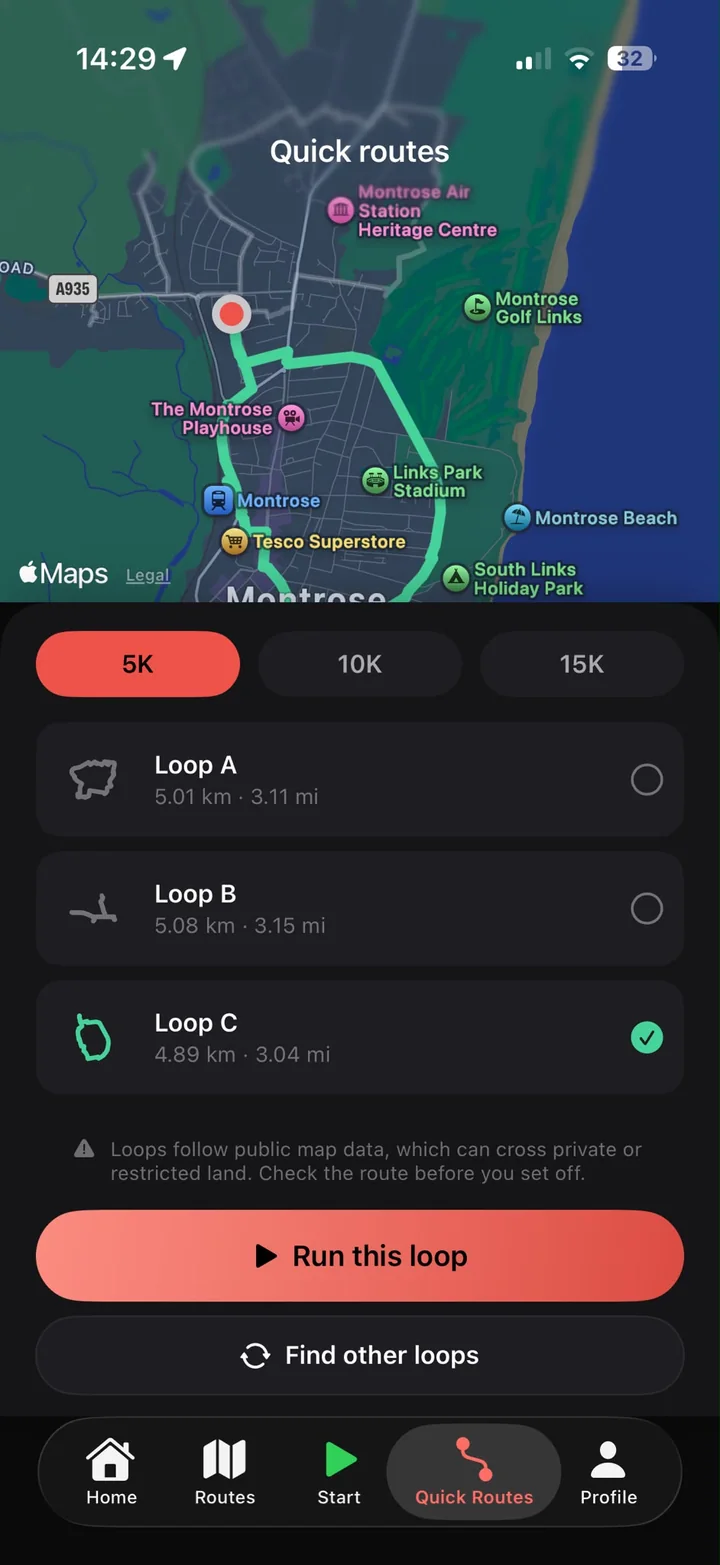
Pick 5K, 10K or 15K and Kaevor suggests loops that start right where you are. Choose one and go.
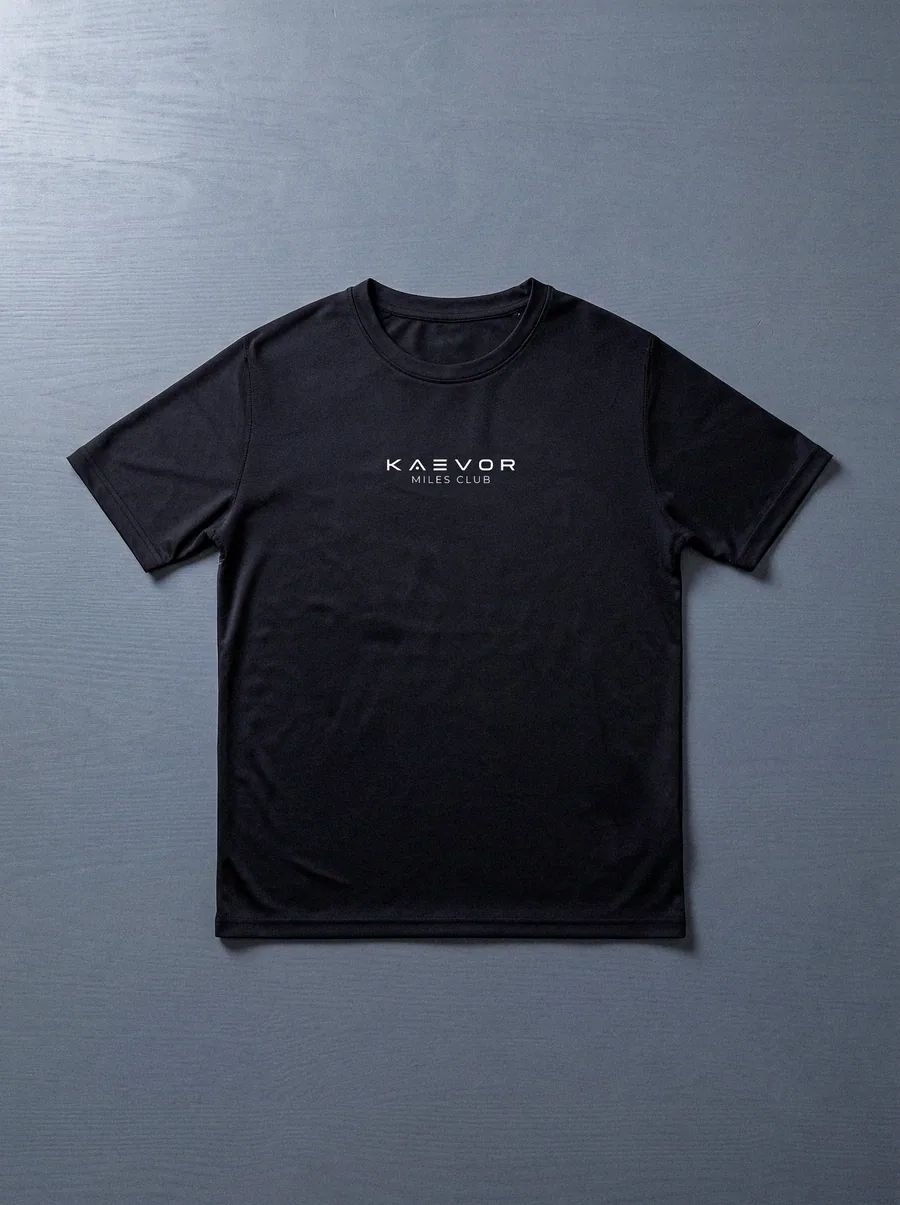
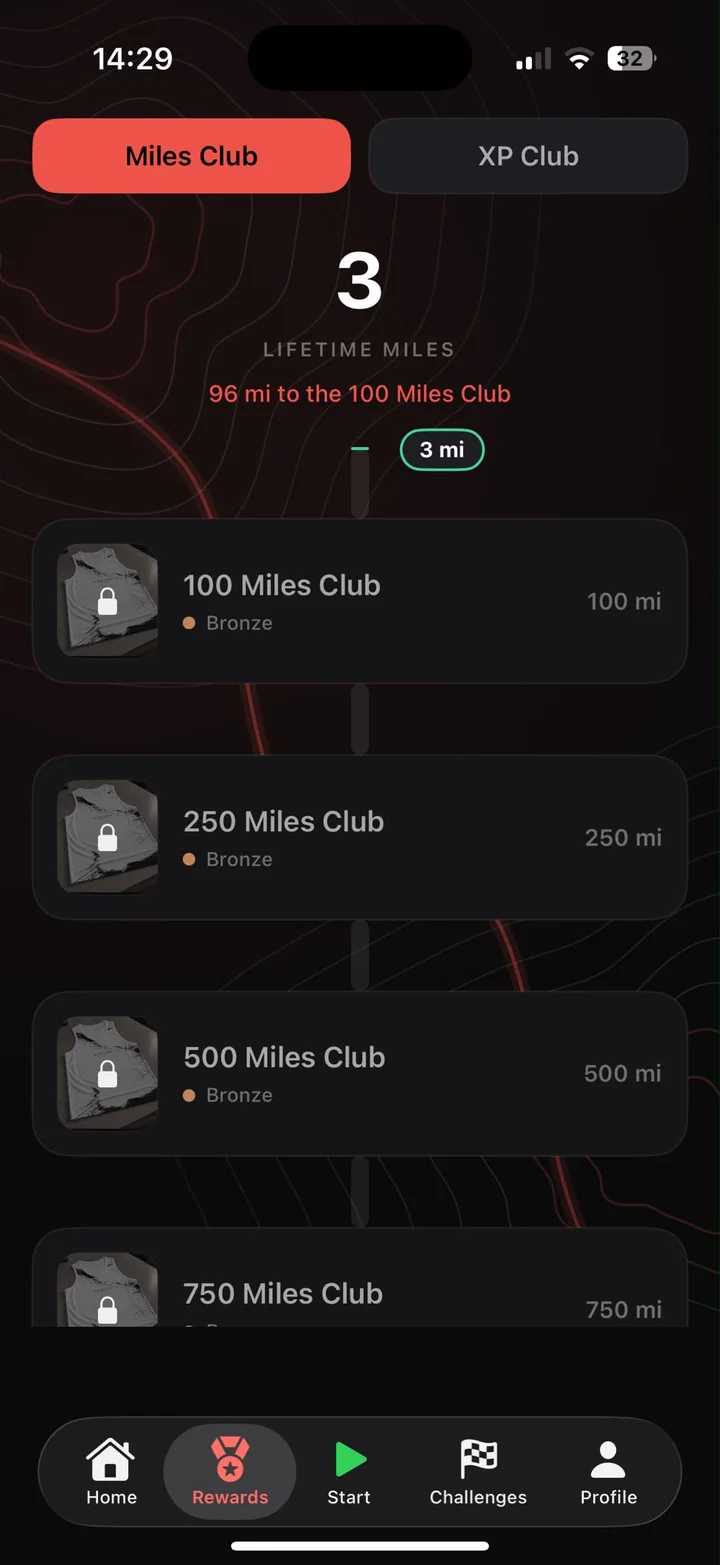
The Miles Club collection unlocks piece by piece as your lifetime miles grow. See your total and exactly how far it is to the next unlock.
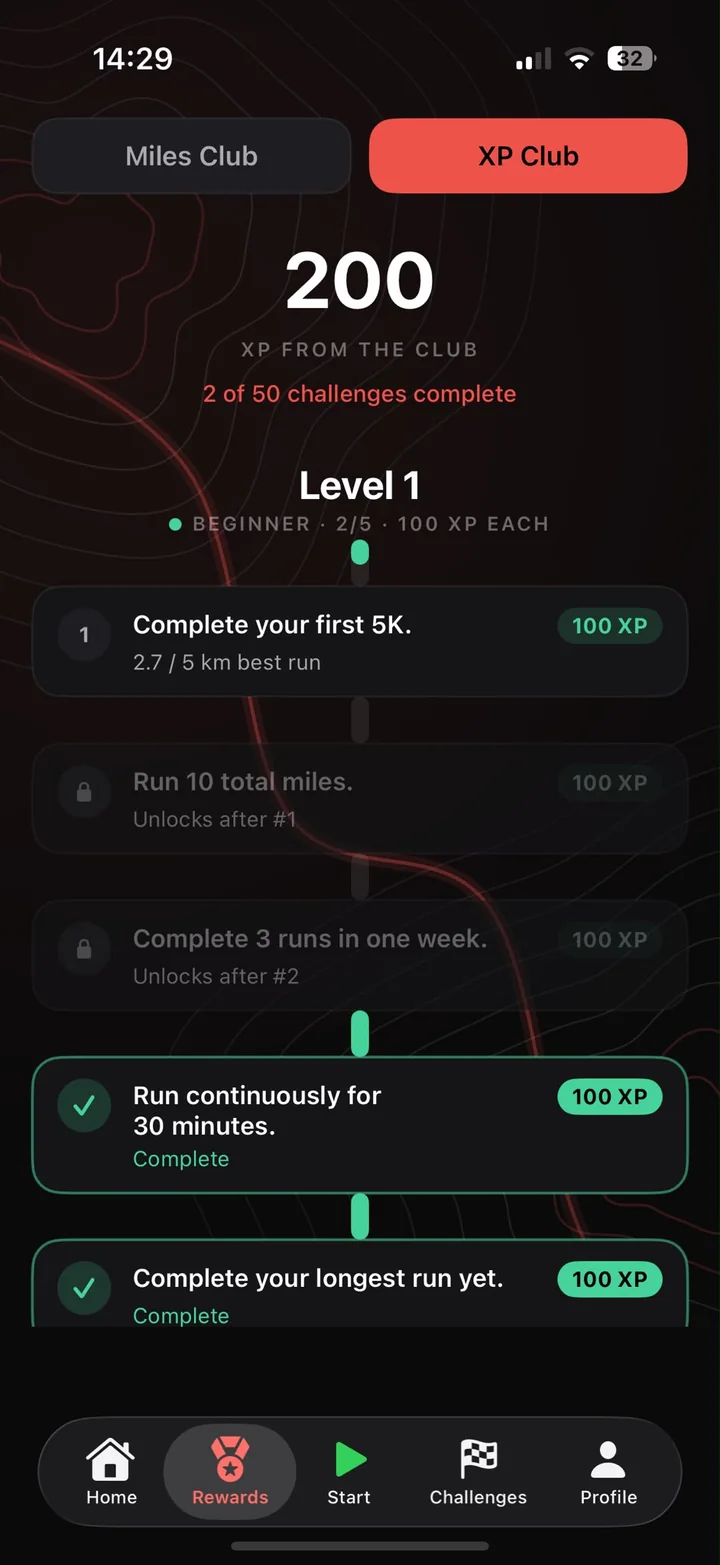
The XP Club is 50 challenges across levels, from your first 5K to running continuously for 30 minutes. Every one you complete pays out XP.
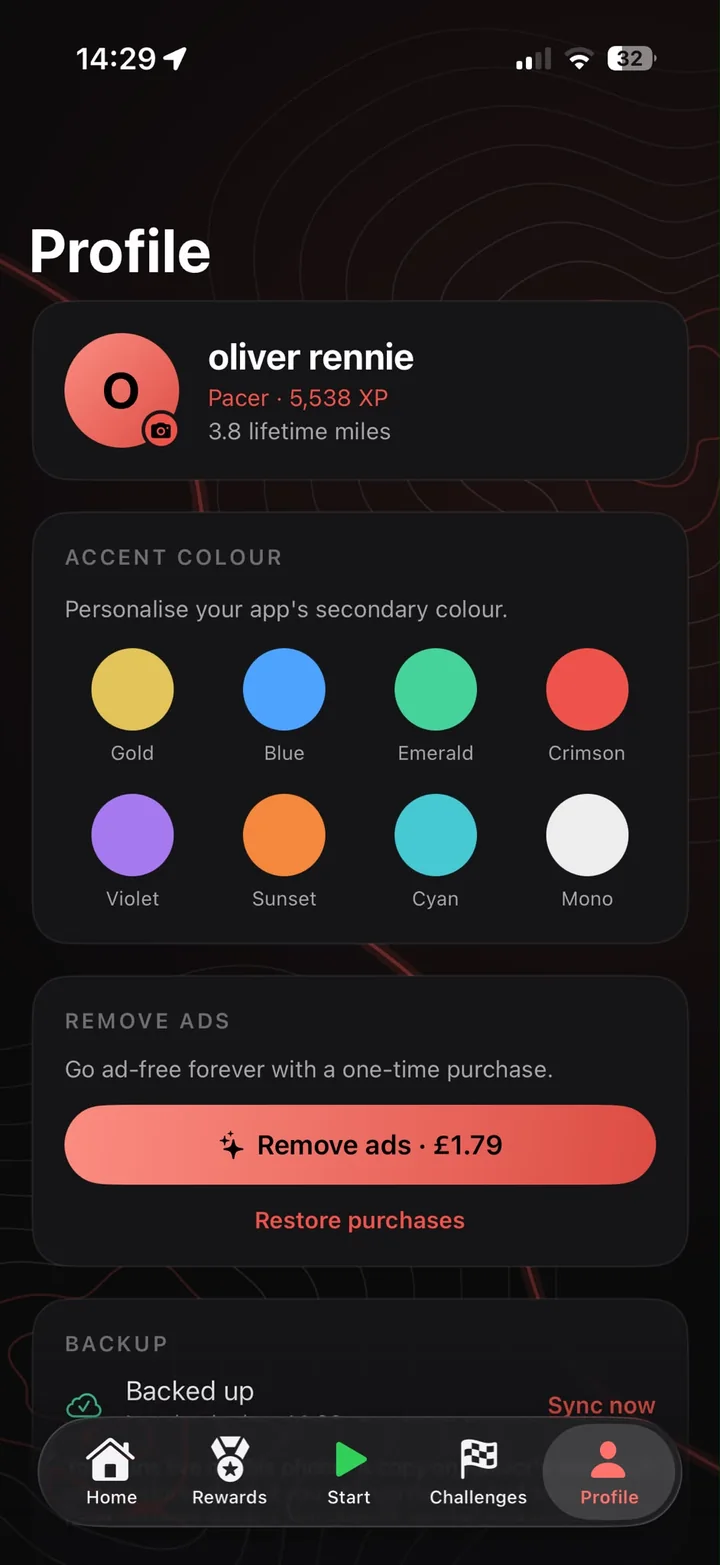
Pick from eight accent colours to personalise the app, with light and dark mode and colour-blind modes too. Your runs are backed up so nothing gets lost.
No complicated plans or setup. Go for a run and Kaevor turns it into progress you can see.
Hit start on your iPhone or Apple Watch. Kaevor records distance, pace, time and climb, and saves every run to your phone first.
Miles become XP. Challenges and streaks add bonus XP on top, and XP moves you up the Runner Ranks.
Lifetime miles unlock the Miles Club collection. Reach 100 miles and the first piece is yours to claim.
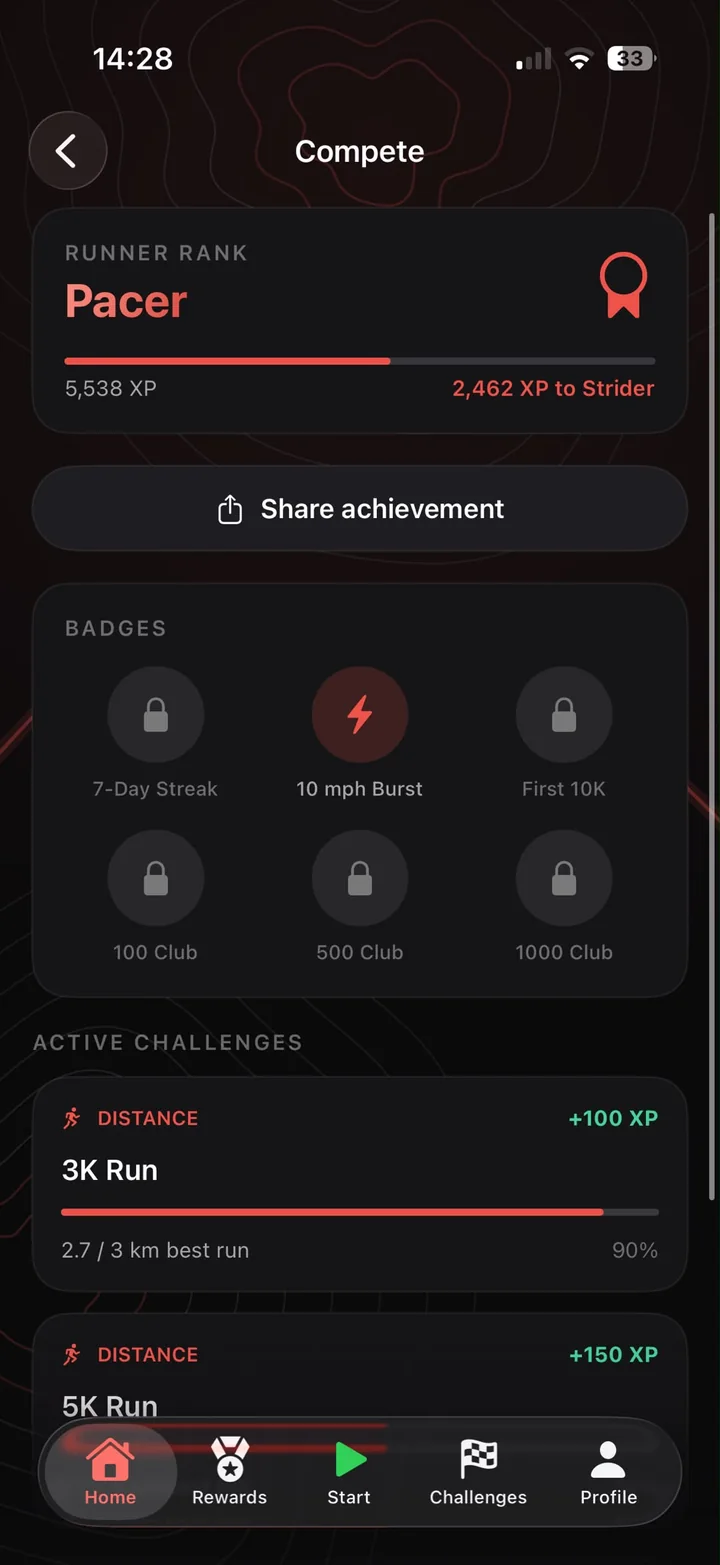
Every run, challenge and streak adds XP. Start as a Rookie and work up through Pacer and Strider, with more levels on the way.
The start line
Finding your rhythm
Miles in the legs
New ranks are on the way
Each piece in the collection stays locked until your lifetime miles reach its milestone. Then it's yours to claim.
Bronze Collection
148 miles to go
398 miles to go
648 miles to go
Every piece is a Kaevor running vest. More milestones and colourways are on the way. The progress shown here is an example runner at 101 lifetime miles.
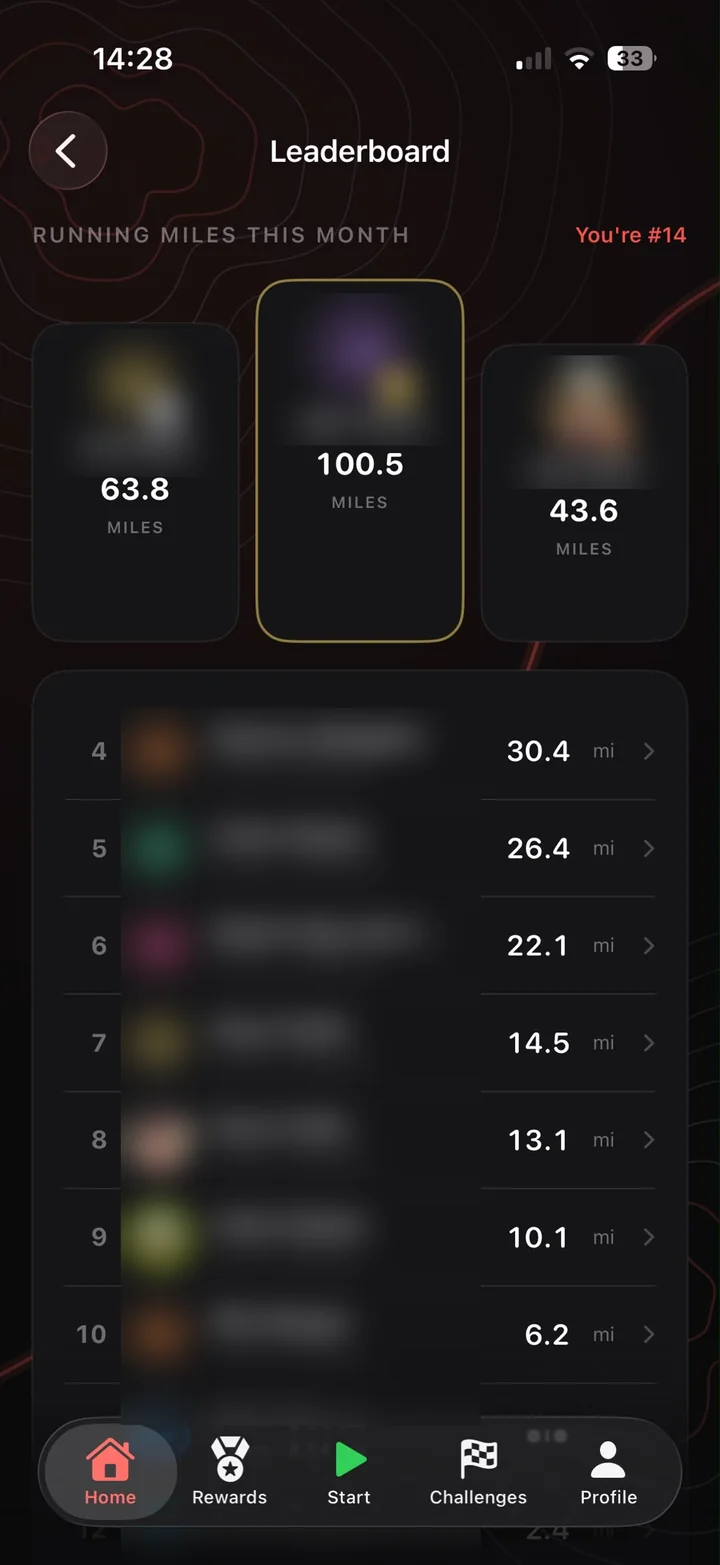
The board resets on the 1st, so every runner starts level. See where you stand and who to chase down next.
Ranked on running miles, so it's always a like-for-like race.
Local leaderboards open as soon as each city has enough runners to make them worth winning.
Walks and wheelchair pushes earn reward miles toward the Miles Club.
Names and distances are for illustration.
Kaevor's standalone Apple Watch app records the whole run from your wrist, then syncs it back to your phone when you're done.
A big clock with four live tiles underneath. Everything reads at running speed.
Watch runs are saved as real workouts, so your rings count them too.
Eight accent colours, light and dark mode, and dedicated colour-blind modes in the app. This website has them too.
Your runs are recorded and stored on your phone first. Only what the leaderboard needs is synced.
Kaevor records on its own. Connect Strava if you'd like runs logged there to count too.
Pick 5K, 10K or 15K and Kaevor suggests loops starting right where you are. Every run is saved to your route history too.
Share your rank and badges straight from the app when you hit something worth shouting about.
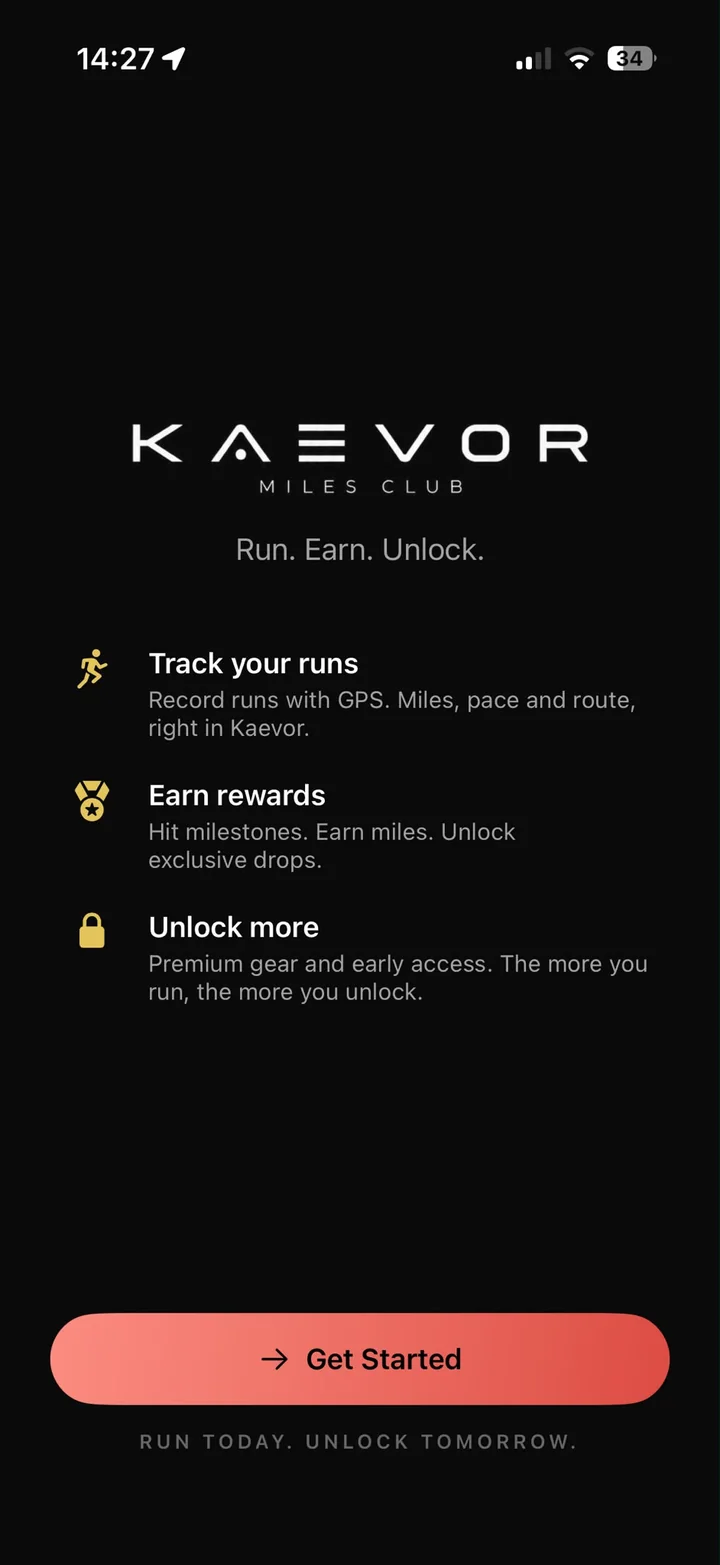
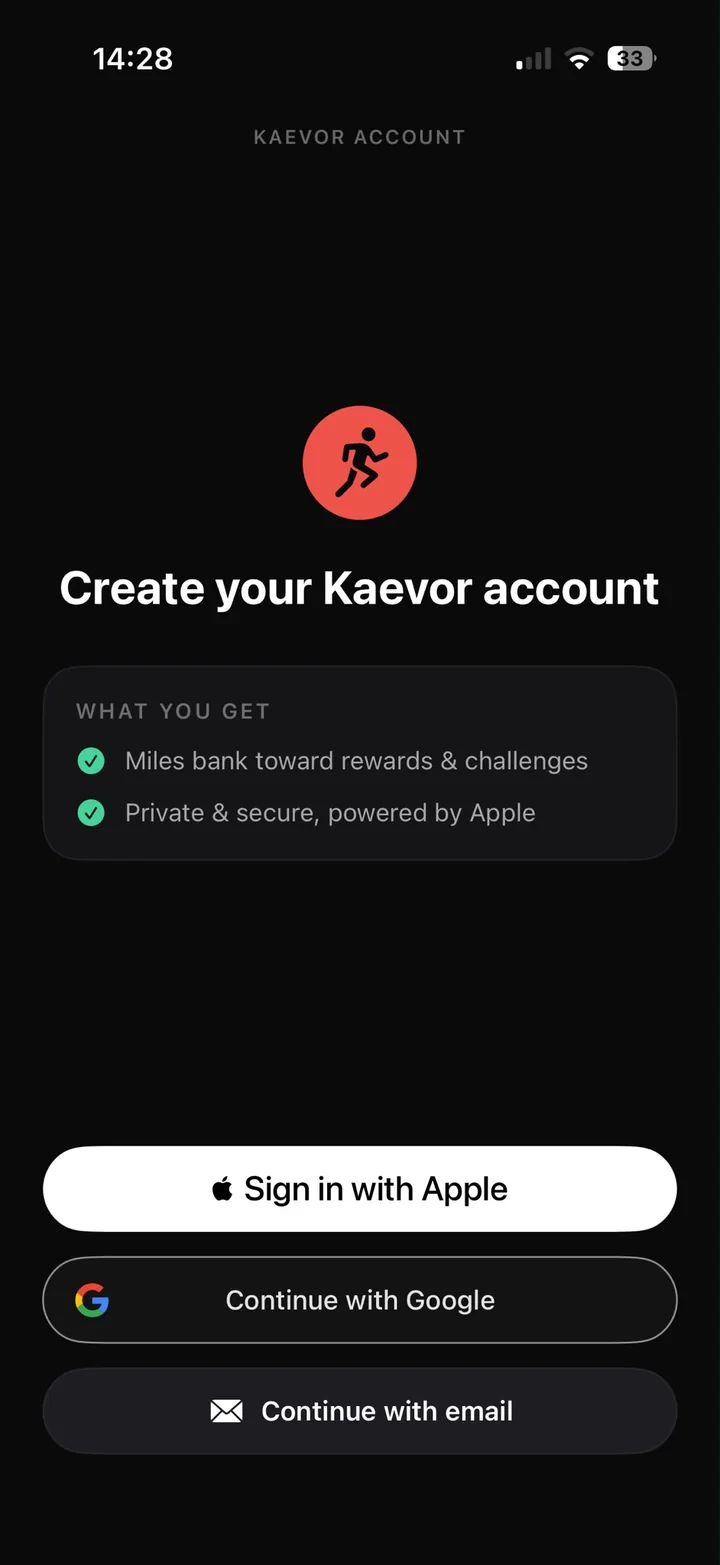
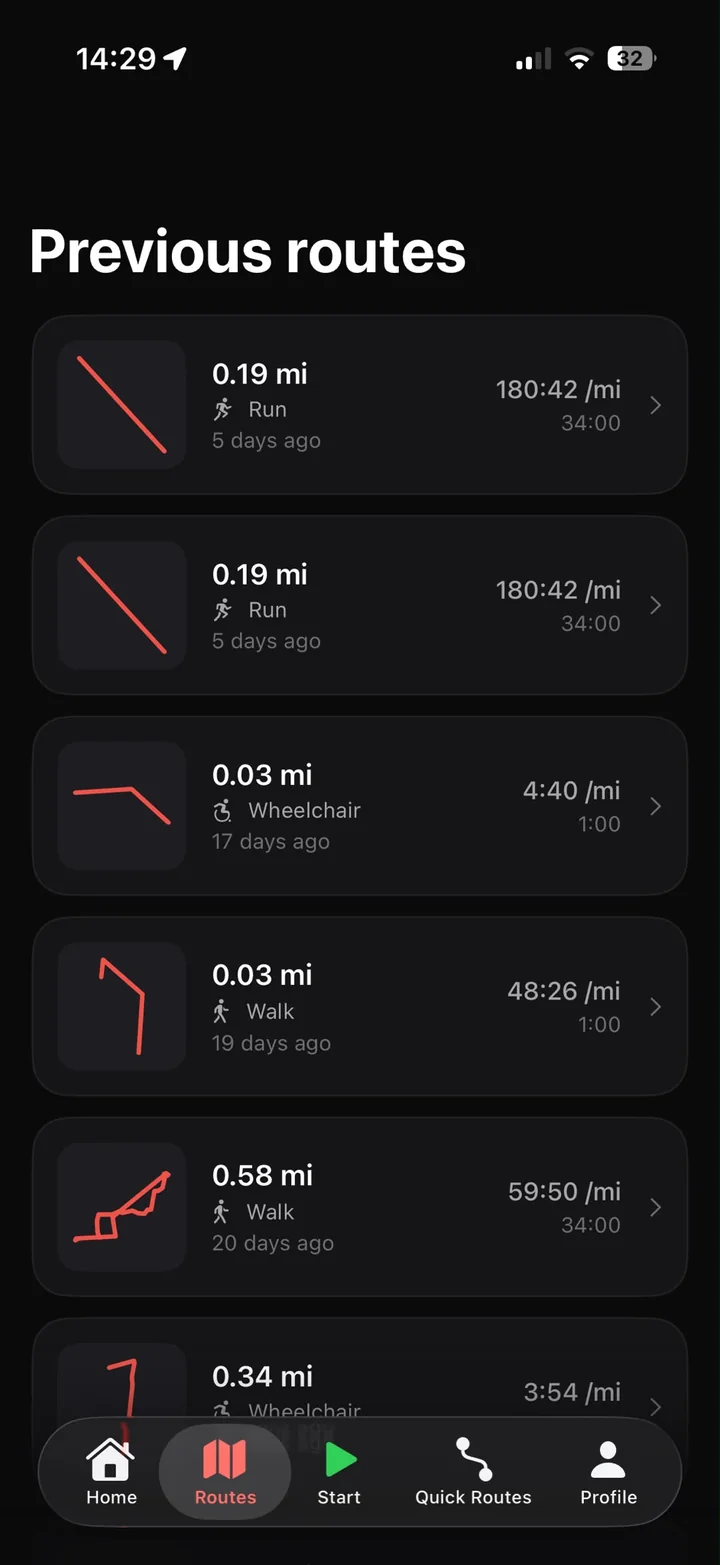
Kaevor is being tested on TestFlight right now and is heading to the App Store. Join the waitlist to hear first and to be considered for early tester invites.
No. Kaevor records runs by itself using your iPhone, or on its own on Apple Watch. Strava is optional and only brings in runs you log there.
Each piece has a lifetime mileage milestone, starting with 100, 250, 500 and 750 miles. When you hit the milestone, that piece unlocks and you can claim it. Until then it stays locked, whoever you are.
Yes. Runs, walks and wheelchair pushes all earn reward miles toward the Miles Club. The monthly leaderboard ranks runs only, to keep it a fair race.
Kaevor launches on iPhone and Apple Watch first. Android is planned. Pick Android on the sign up form and we'll tell you when it's ready.
Kaevor is built local first, so your runs live on your phone. Your runs are backed up to your account, and other runners only ever see your name, photo and totals, never your routes. Everything is set out in our privacy policy. Any questions, email customer.service@kaevorclub.co.uk.
Join the waitlist to get early access, launch news and first dibs on the Miles Club.